
Most families know they should tighten home network security. Few have a clear, short list of actions that actually fit into a busy evening. Long technical guides often feel overwhelming, so the work gets postponed. Meanwhile the router keeps its default password, the guest network stays unused, and kids’ devices share the same access as work laptops.
This checklist is designed for real households. Each step takes only a few minutes. You can complete the entire list in one focused session of about five to ten minutes of active work, plus a little waiting time for reboots. The goal is not perfect security. The goal is a noticeably safer baseline that requires almost no ongoing attention.
I run a version of this checklist in my own house every few months and whenever we add a major new device. It has prevented several common problems and given us clearer separation between family, kids, guests, and smart-home equipment.
Why a Short Checklist Beats a Long Security Project
Security advice online often expands into multi-hour projects. Firmware deep-dives, advanced firewall rules, and constant monitoring sound responsible but rarely get finished in a household with jobs, school, and dinner.
A short, high-impact checklist works better for most families because it focuses on the changes that close the most common gaps:
Default credentials that are easy to guess
Open or poorly segmented networks
Devices that stay online with outdated software
Unnecessary remote access features left enabled
Completing these basics removes the lowest-hanging risks. Everything else can wait for a later weekend if needed.
The Five-Minute Checklist
Work through the items in order. Keep a notes app open so you can record any new passwords or settings.
1. Change the router admin password
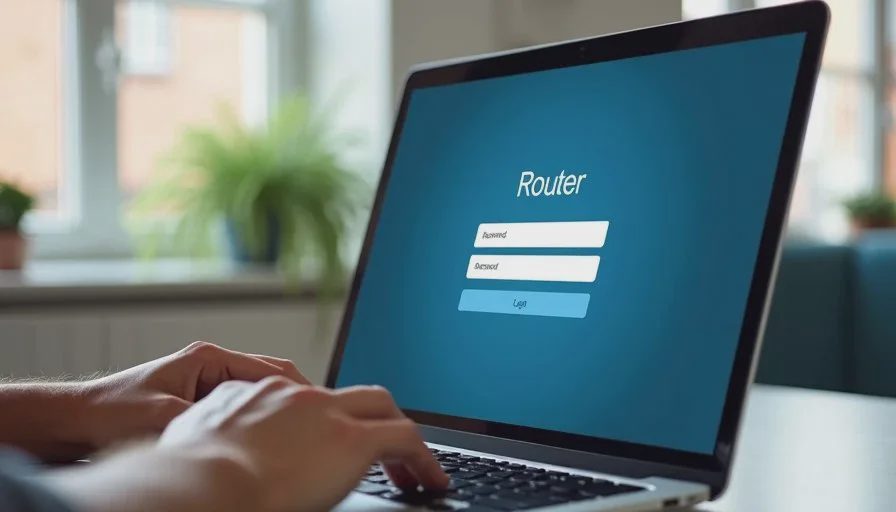
Log into your router’s admin page (usually by typing the gateway address into a browser). If you are still using the password printed on the sticker, change it immediately to a unique passphrase. Store the new password in a password manager or a secure note that only the adults can access.
This single step blocks the most common way outsiders or curious visitors gain control of the network. It takes under two minutes once you are logged in.
2. Update the router firmware
While you are in the admin interface, look for a firmware or system update section. Apply any available update and let the router reboot. Modern routers often handle this automatically, but many older units still require a manual check.
Firmware updates close known vulnerabilities. Skipping them leaves the door open longer than necessary.
3. Turn on the guest network and give it a separate password
Enable the guest or visitor network if your router supports it. Give it a password that is different from the main family network. Connect visitors and temporary devices only to this network.
A guest network keeps strangers and short-term devices away from your main computers, printers, and shared files. It is one of the highest-value features most families under-use.
4. Create a separate network or group for smart-home and IoT devices
If your router allows VLANs, additional SSIDs, or device grouping, move cameras, smart plugs, speakers, and other IoT gadgets onto their own network segment. Give that segment internet access but limit its ability to reach your main computers and phones.
Many families skip this step because it feels technical. Even a basic second SSID labeled “Home-IoT” is a meaningful improvement. It contains the damage if one cheap camera or smart plug is compromised.
5. Review who can access the main network
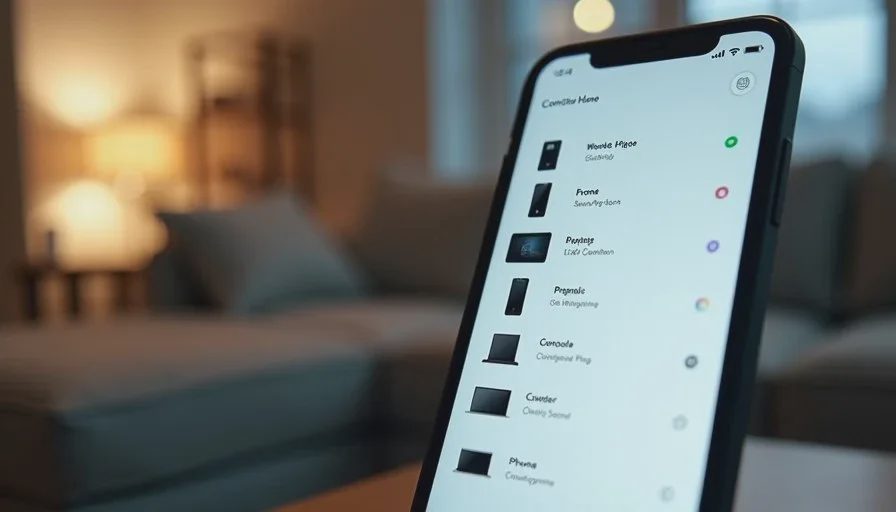
Look at the list of currently connected devices. Remove or block any device you do not recognize. For kids’ tablets and phones, confirm they are using the appropriate network or profile. If your router offers simple parental controls or scheduling, set basic bedtime cut-offs that match your household rules.
This review takes only a minute or two and often reveals old devices that should no longer have access.
Optional but High-Value Additions
If you still have a couple of minutes, consider these two extras:
Disable remote management (WAN-side admin access) unless you specifically need it. Most families never require logging into the router from outside the house.
Turn on automatic firmware updates if the option exists and has been reliable for your model.
These settings further reduce the chance that an outside party can reach the admin interface.
How This Checklist Fits Real Family Life
In our house the checklist is part of a short monthly review. Dana and I sit down with the laptop for ten minutes after the kids are in bed. We change nothing dramatic most months. We simply confirm that the guest network is still enabled, the IoT devices remain isolated, and no unexpected gadgets have joined the main network.
The process has paid off several times. Once a neighbor’s old tablet appeared on our main network after a child shared the password. Another time a new smart plug came with remote access enabled by default; moving it to the IoT network limited its reach. Neither situation required advanced tools—just the habit of looking.
Families with older relatives or frequent visitors gain extra benefit. Guests can use the internet without ever touching the network that holds family photos, work files, or the kids’ school accounts.
What This Checklist Does Not Try to Do
It does not replace good account security on individual devices. Strong passwords and two-factor authentication on email, cloud storage, and school accounts remain essential.
It does not claim to stop every possible threat. Determined attackers and zero-day vulnerabilities exist. The checklist focuses on the problems that ordinary households actually encounter: weak default settings, over-shared networks, and forgotten devices.
It also avoids fear-based language. The point is not that your home is under constant attack. The point is that a few small, finished actions raise the baseline enough that everyday risks become much less likely to cause real trouble.
Making the Habit Stick
The checklist only helps if it gets done. A few practical tips make that more likely:
Schedule it on the same evening you already update other household systems (for example, after checking smoke-detector batteries).
Keep the router admin address and current password in a shared secure note so either adult can run the list.
After the first full pass, later reviews take even less time because most settings stay stable.
If five minutes still feels like too much on a given night, do only the first two items—change the admin password and check for firmware. Those two alone close major gaps.
A Calmer Starting Point
Home network security does not have to become another demanding project. A short, realistic checklist finished once and then reviewed occasionally gives most families a solid foundation. The router is no longer running on factory defaults. Guests and smart devices sit on separate networks. Kids’ access follows household rules.
That is enough to remove the background worry that something obvious was left open. From there you can decide later whether more advanced steps are worth the time.
Stability First.