Most families do not need a fully automated house. They need a few reliable automations that remove repeated small frustrations. Turning on lights when hands are full, locking the door without a second trip, or adjusting the temperature before anyone remembers to check the thermostat. Those are the changes that actually matter on a Tuesday night.
The mistake many households make is starting with the most advanced system or the largest number of devices. Complexity rises quickly, apps multiply, and the system that was supposed to make life easier becomes another thing to maintain. A better approach is to choose a small number of high-value automations, install them carefully, and live with them long enough to know whether they earn their place.
In our house we added automations slowly over several years. Some stayed. Others were removed after a few weeks because they created more work than they saved. The ones that remained share three traits: they solve a daily friction point, they work even when the internet is slow, and they require almost no ongoing attention.
This post walks through the first automations that tend to deliver the most value for busy families, the practical order in which to add them, and the questions worth asking before any device enters the home.
Start with the Problems You Already Notice
The most useful automations begin with an existing annoyance rather than a product category.
Common friction points in family homes include:
Lights that stay on in empty rooms or stay off when someone enters with full hands
Doors that may or may not be locked after the last person comes in
Temperature that is uncomfortable when people wake up or return from school and work
Outdoor lights that are forgotten until someone steps into the dark
If a problem happens several times a week and the solution is simple, it is a good candidate. If the problem is rare or the solution requires multiple apps and constant tweaking, it is usually better left alone.
High-Value First Automations
The following automations have proven useful across many of the households I work with, including our own. They are listed in a practical order of addition rather than by technical sophistication.
1. Entryway and hallway lighting that responds to presence
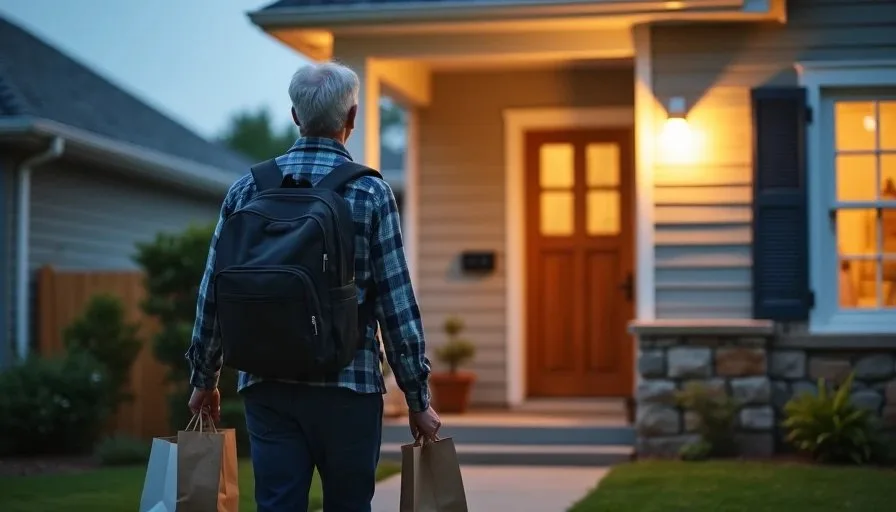
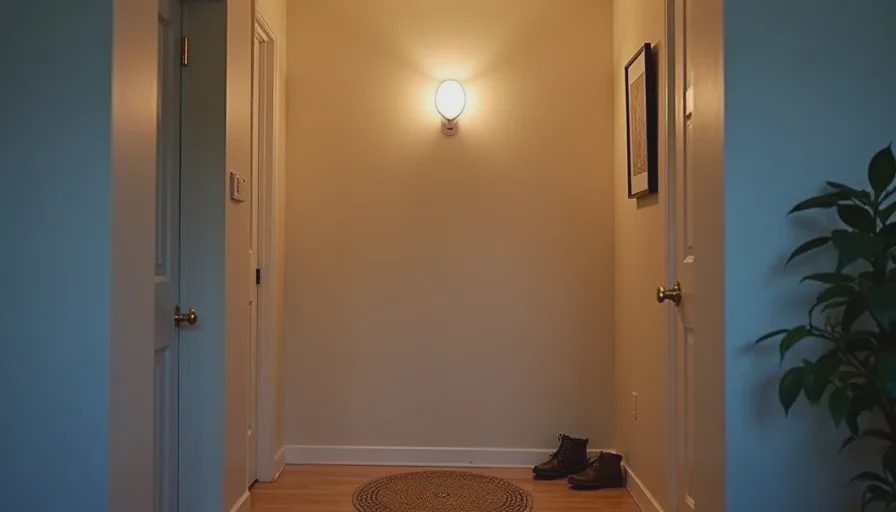
Motion-activated or presence-based lighting in the entryway, hallway, and stairs removes a daily point of friction. Hands are often full of bags, backpacks, or a child. Reaching for a switch is awkward. A simple sensor that turns lights on when someone enters and off after a period of no motion solves the problem without requiring voice commands or phone taps.
Choose sensors and bulbs that continue to work locally if the internet drops. Test the timeout period so lights do not turn off while someone is still in the space. In our house the entryway light has been one of the few automations that every family member notices and appreciates.
2. Automatic door lock after a set time or on departure
A smart lock that auto-locks after a few minutes or when the last person’s phone leaves the geofence reduces the low-level worry about whether the door is secure. It also removes the need for the last adult home to double-check.
Installation is usually straightforward on standard deadbolts. The key requirement is a reliable way for the lock to know when the house is empty. Phone-based geofencing works for many families; a simple timed auto-lock works for others. Keep a physical key available and test the system thoroughly before relying on it.
3. Basic temperature schedules that match real routines
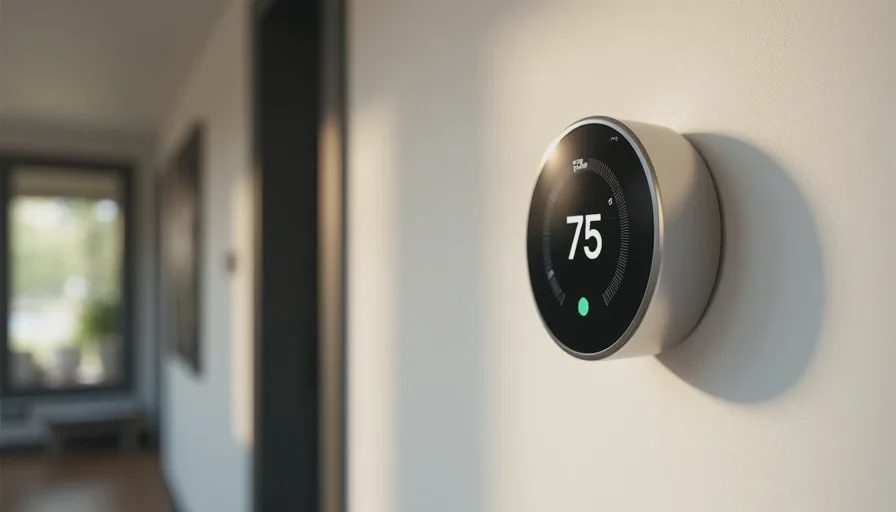
A smart thermostat that follows a simple weekday and weekend schedule often saves more energy and discomfort than advanced learning features. Set the temperature to be comfortable when people wake up, lower it while the house is empty, and bring it back before everyone returns.
Avoid over-complicating the schedule with too many transitions. Four or five well-chosen set points are usually enough. In our home the thermostat schedule reduced the number of manual adjustments to almost zero and kept the kids’ rooms from becoming too cold on winter mornings.
4. Outdoor and porch lighting tied to sunset
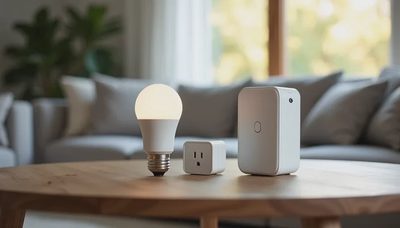
Outdoor lights that turn on at sunset and off at a fixed time (or at sunrise) improve both convenience and security. No one has to remember to switch them on when the family comes home after dark.
Simple smart plugs or outdoor-rated smart bulbs handle this well. Pair them with a basic schedule rather than complex motion rules at the beginning. Motion can be added later if needed.
5. A single “good night” or “leaving home” scene
Once a few individual automations are stable, combining them into one scene or button can be useful. One tap or voice command can lock the door, turn off selected lights, and adjust the thermostat. The value is less in the technology and more in the reduced mental load at the end of the day.
Keep the scene limited to devices that are already reliable. A scene that fails partway through creates more frustration than it removes.
What to Avoid in the First Round
Certain categories create more complexity than benefit for most families at the beginning:
Full-home lighting systems that require every switch to be replaced
Voice-only controls that fail when the internet is down or the speaker misunderstands a child
Multiple competing hubs that each demand their own app and account
Automations that depend on precise presence detection of every family member’s phone
These can be revisited later if the household still wants more after living with the basics.
Practical Installation Principles
A few habits improve the chance that new automations will stay useful:
Install one category at a time and live with it for at least two weeks before adding the next.
Prefer devices that offer local control so a temporary internet outage does not disable basic functions.
Label every device clearly in the app with the room and function so any adult can understand the system.
Keep the number of apps as low as possible. One reliable ecosystem is usually better than three specialized ones.
Write down any custom settings or passwords in a shared secure note.
In our house we also keep a short “what still works offline” list. It prevents surprises during outages.
Measuring Whether an Automation Earns Its Place
After two or three weeks, ask a few direct questions:
Does this automation still run without anyone intervening?
Has it reduced a real daily friction point?
Would we notice if it disappeared tomorrow?
Has it created any new problems (false triggers, dead batteries, confusing behavior for the kids)?
If the answers are positive, keep it. If not, remove it without guilt. The goal is a smaller set of reliable helpers, not a larger collection of gadgets.
A Realistic Starting Path
For most busy families a sensible first phase looks like this:
Week 1: Entryway and hallway lighting with simple motion or presence sensing.
Week 3: Smart lock with auto-lock and a tested backup key plan.
Week 5: Thermostat schedule matched to actual wake and return times.
Week 7: Outdoor lights on a sunset schedule.
Week 9: One combined “leaving home” or “good night” scene if the previous pieces are stable.
This pace keeps the mental load low and gives each automation time to prove itself.
Smart-home technology is most valuable when it disappears into the background of family life. The first automations should be the ones that solve problems you already feel, work reliably with minimal attention, and do not require the household to become part-time system administrators. Start small, test in real conditions, and keep only what continues to earn its place.
Stability First.