
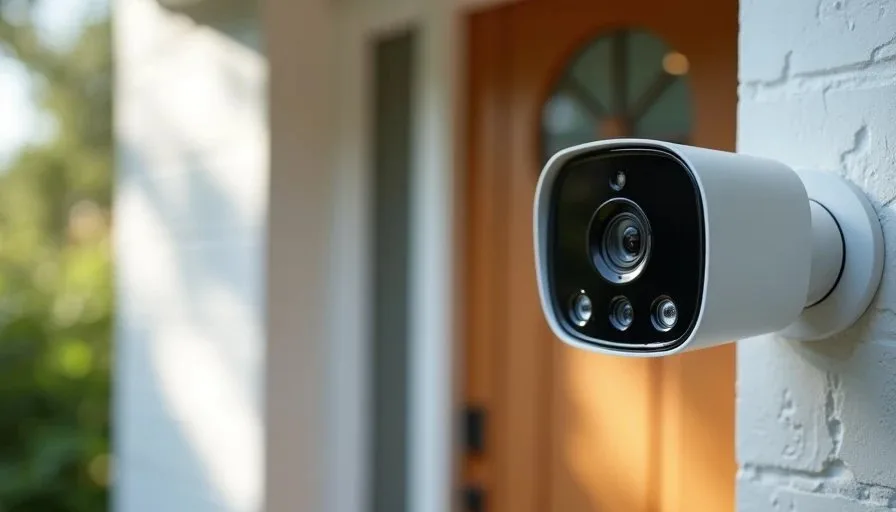
Smart cameras can make a home feel safer. They let you check the porch when a package arrives, see who is at the door, and glance at common areas when you are away. In households with children they also raise questions that go beyond simple convenience. Who can view the video? Where is the footage stored? How long is it kept? Can the camera be accessed by anyone outside the family? What happens if the account is compromised?
These questions are easy to postpone. The camera works, the app is installed, and daily life moves on. Yet the same device that provides useful visibility also creates a persistent audio and video record of life inside and around the house. When children are present, the stakes of that record are higher.
This post outlines the practical checks I recommend families complete before or shortly after installing smart cameras. The goal is not to discourage camera use. The goal is to make sure the cameras serve the household’s security needs without quietly expanding risk or reducing privacy more than necessary.
Why Cameras Deserve Extra Attention in Family Homes
A smart plug or light bulb that misbehaves is usually an inconvenience. A camera that is poorly configured can expose images and audio of children, daily routines, and the interior layout of the home. Even when the risk feels remote, the potential impact is larger.
Children also interact with cameras differently. They may not understand that a device is recording, or they may treat it as a toy. Clear household rules and technical limits both matter.
Finally, many camera systems default to settings that favor convenience and cloud features over minimal data collection. Those defaults are rarely optimal for a family that wants useful security with restrained privacy impact.
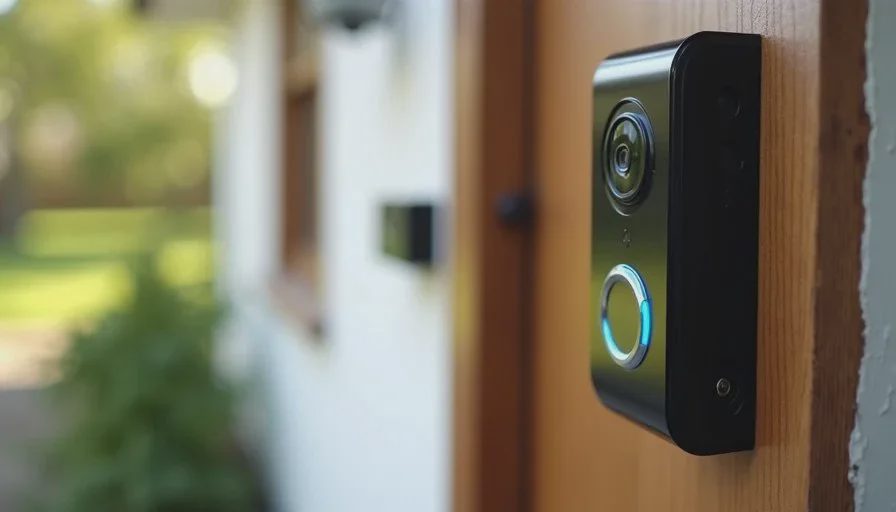
First Checks Before or Right After Installation
Complete these steps in order. Most take only a few minutes once you are in the camera’s app or account settings.
1. Confirm exactly where video is stored and for how long
Determine whether footage lives only on a local device (such as a hub or microSD card), only in the manufacturer’s cloud, or in both places. Note the retention period. Many services keep clips for days or weeks by default. Shorten retention to the minimum that still meets your security needs. If local storage is an option and meets your requirements, prefer it.
2. Review who has access to the account and shared users
List every person and every additional account that can view live video or stored clips. Remove former guests, old family shares, and any unknown devices. Enable two-factor authentication on the primary account immediately if it is not already on. Use a unique password that is not shared with other household services.
3. Turn off features you do not actively need
Common extras include:
Audio recording when video-only is sufficient
Continuous 24/7 recording when event-based clips would cover the use case
Cloud analysis features (person detection, package detection, etc.) that send more data offsite
Integration with third-party platforms you do not use
Disabling unused features reduces both data volume and potential exposure.
4. Check network placement
Cameras belong on a separate IoT or camera network segment whenever the router supports it. They need internet access for remote viewing but have no legitimate reason to reach work laptops, file shares, or children’s school devices. Network separation limits the damage if a camera account or device is ever compromised.
5. Review physical placement with privacy in mind
Avoid pointing cameras at areas where children have a reasonable expectation of privacy (bathrooms, bedrooms, changing areas). Prefer entry points, driveways, and common living spaces. If an indoor camera is used for occasional check-ins, consider a physical lens cover or a power schedule so it is not live around the clock.
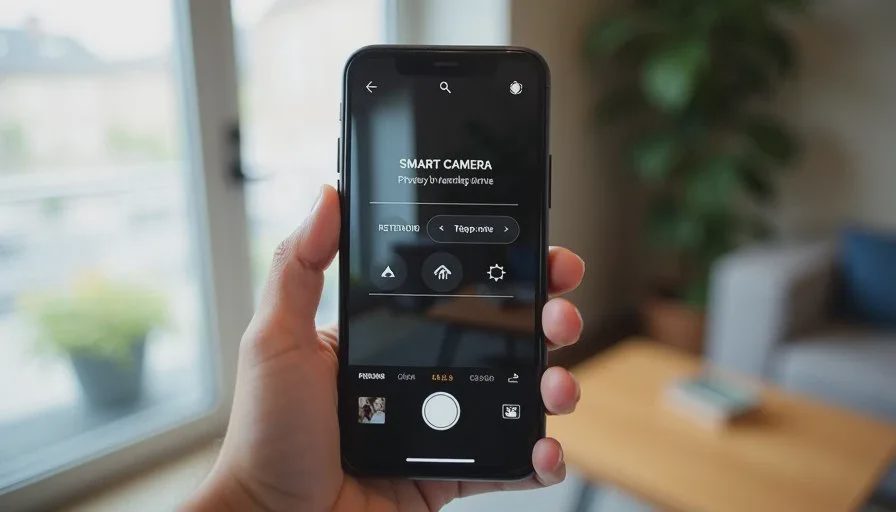
Ongoing Habits That Keep Risk Low
Settings are not permanent. A few lightweight habits maintain the initial privacy posture:
Re-check shared users every few months or after any household change (babysitter, relative visit, service technician).
Watch for app or firmware updates that reset permissions or re-enable cloud features.
Periodically delete old clips that are no longer needed.
When a camera is retired or replaced, factory-reset it and remove it from the account so it cannot be reactivated later.
These steps take little time and prevent slow drift back toward less careful configurations.
Talking with Children About Cameras
Technical controls are only part of the picture. Age-appropriate conversation helps children understand what the devices do.
Younger children may simply need to know that certain cameras help the family see who is at the door. Older children can understand that cameras record and that the family has chosen specific places and rules for their use. Involving them in decisions about indoor camera placement (when indoor cameras are used at all) reduces the sense that they are being monitored without consent.
Clear household norms—such as no cameras in private rooms and no secret recording—matter as much as the settings menu.
What “Good Enough” Looks Like for Most Families
A practical, privacy-aware camera setup usually includes:
Cameras limited to entry points and exterior areas unless a specific indoor need exists
Short cloud retention or local storage preferred
Two-factor authentication and a clean shared-user list
Placement on a segmented network
Unused audio and analytics features disabled
Periodic review of access and stored footage
This configuration still provides the security visibility most households want. It simply refuses the maximum-data, maximum-convenience defaults that many products ship with.
When to Reconsider Camera Use Altogether
In some situations the privacy cost outweighs the benefit. Examples include:
Rentals or shared walls where cameras may capture neighbors
Households with older children who strongly object to indoor cameras
Cases where the only available products force long cloud retention and extensive data sharing with no local alternative
There is no requirement to use smart cameras. Traditional measures (good locks, exterior lighting, neighborhood awareness) still work. Cameras are a tool, not an obligation.
A Calmer Approach
Smart cameras can be a useful part of a family home when their scope is deliberate. The checks above take little time compared with the lifespan of the devices and the sensitivity of the data they handle. Completing them once, then reviewing occasionally, keeps the cameras in their proper role: providing visibility the household has chosen, without quietly expanding the record of daily life beyond what is needed.
Security and privacy are not opposites here. They are complementary design goals. A camera system that is carefully limited is both more trustworthy and more sustainable for a family to live with over years.
Stability First.