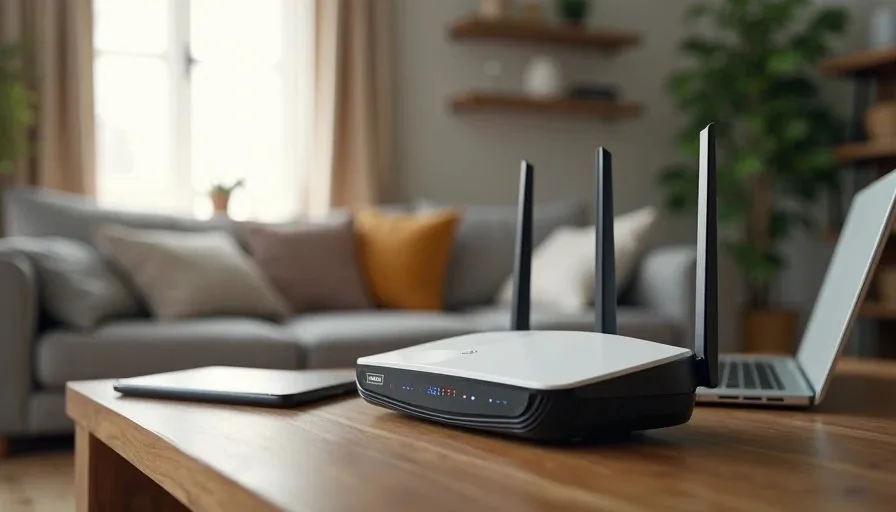
Wi-Fi 7 is the newest generation of home wireless networking. Marketing materials highlight higher peak speeds, lower latency, and better handling of many devices at once. The natural question for any family is whether those improvements matter in daily life or whether they remain mostly theoretical for typical households.
I spent time living with Wi-Fi 7 hardware in our Rochester house and comparing it against a solid Wi-Fi 6 setup that already covered our needs. The goal was not to chase laboratory numbers. The goal was to see what changes a family actually notices during school mornings, evening streaming, video calls, and ordinary weekend use.
This post shares what improved, what stayed the same, and the practical factors that should guide a decision to upgrade or wait.
What Wi-Fi 7 Brings on Paper
Wi-Fi 7 (802.11be) introduces several technical advances over Wi-Fi 6 and 6E. The most discussed are wider channels (up to 320 MHz in the 6 GHz band), more sophisticated multi-link operation that can use multiple bands at the same time, and improved efficiency when many devices are active.
In controlled tests these features can produce higher throughput and more consistent performance under heavy load. The question for a family home is how often that heavy load occurs and whether the existing network is already the limiting factor.
What Changed in Daily Use
In our house the differences were modest and specific.
Peak speeds
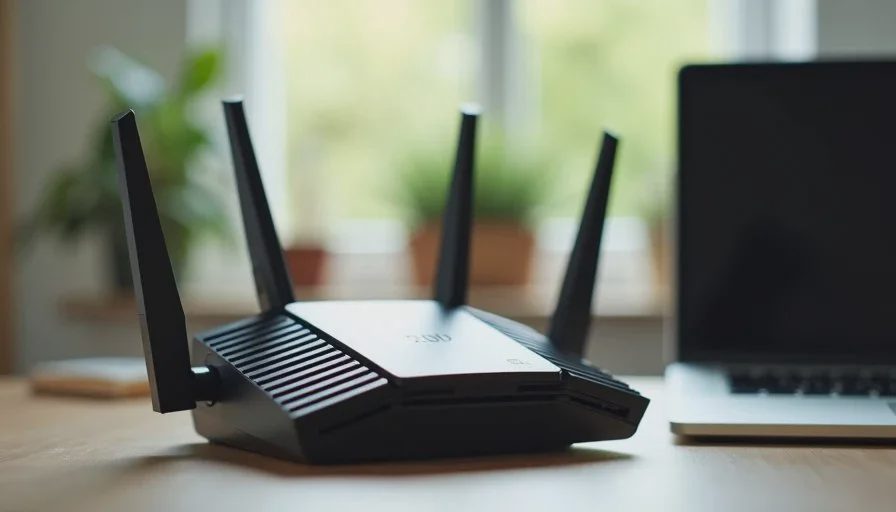
When I ran speed tests next to the router, Wi-Fi 7 produced higher numbers than our previous Wi-Fi 6 unit. The gap narrowed quickly once I moved to other rooms. For ordinary web browsing, video calls, and streaming, both systems delivered more than enough bandwidth. The higher ceiling of Wi-Fi 7 rarely translated into a noticeable difference during normal family activity.
Multiple devices
We routinely have two video-school sessions, one or two work calls, background cloud backups, and streaming running at the same time. Both the Wi-Fi 6 and Wi-Fi 7 setups handled this load without obvious stuttering. Wi-Fi 7 felt slightly more consistent when several high-bandwidth activities overlapped, but the improvement was incremental rather than transformative.
Latency-sensitive tasks
Online gaming and real-time video calls showed small reductions in variability with Wi-Fi 7. The difference was measurable with tools and occasionally perceptible in fast-paced games. For most video calls and everyday use it was not something anyone in the family commented on.
Coverage
Wi-Fi 7 does not magically solve placement or wall-penetration problems. A poorly located Wi-Fi 7 router still leaves the same dead zones a Wi-Fi 6 router would leave. Coverage improvements come from better placement, additional access points, or mesh design, not from the generation number alone.
Where Wi-Fi 7 Matters More
Certain situations make the newer standard more relevant.
Homes with many simultaneous high-bandwidth users (multiple 4K or 8K streams, frequent large file transfers, or several people gaming and video-calling at once) can benefit from the improved efficiency.
Households that already own or plan to buy devices that support the wider 6 GHz channels and multi-link features will see more of the advantage. If most phones, tablets, and laptops in the house are still Wi-Fi 6 or earlier, the router’s advanced capabilities remain under-used.
New construction or major renovations that include wired backhaul and careful access-point planning can take better advantage of Wi-Fi 7’s multi-link and channel features.
For the majority of existing family homes running a competent Wi-Fi 6 or 6E system with good placement, the day-to-day experience changes only slightly.

The Real Cost of Upgrading
An upgrade is not only the price of a new router or mesh system. It also includes:
Time spent replacing equipment and re-connecting devices
The possibility of new firmware quirks in early Wi-Fi 7 products
The need for client devices that can actually use the new features
The opportunity cost of spending money that could improve coverage through better placement or an extra access point instead
Early Wi-Fi 7 hardware is also more expensive than mature Wi-Fi 6 equivalents. Prices will decline, and software stability usually improves after the first few hardware generations.
A Practical Decision Framework
Ask these questions before buying:
Is the current network actually failing under normal family use, or is it merely older?
Have you already optimized placement and added access points where needed?
Do most of the devices in the house support Wi-Fi 6E or Wi-Fi 7 features?
Are you regularly hitting congestion that a better radio design would relieve?
Is the upgrade budget better spent on coverage (extra nodes or wired backhaul) rather than a generation jump?
If the current system is stable and the weak spots are caused by distance or walls, improving placement or adding a targeted access point usually delivers more benefit than switching generations.
If the house is already well-covered and the family regularly saturates the network with simultaneous high-bandwidth activity, Wi-Fi 7 becomes a more reasonable next step.
What We Decided in Our House
After living with both generations, we kept the Wi-Fi 6 hybrid setup (primary router plus one wired access point) as the daily driver. The coverage was already good, the device mix did not yet take full advantage of Wi-Fi 7, and the incremental gains did not outweigh the cost and transition effort.
We will revisit the decision when more of our phones, tablets, and laptops support the newer features and when Wi-Fi 7 hardware has matured further in price and firmware stability. Until then, the existing system continues to meet the household’s actual needs without drawing attention to itself.
That outcome will not be universal. Larger homes, denser device environments, or households that already own many Wi-Fi 7 clients may reach the opposite conclusion. The useful test is not whether Wi-Fi 7 is faster on paper. The useful test is whether the current network creates repeated friction that a generation upgrade would remove.
Practical Advice for Most Families
Fix placement and basic coverage first. A well-located Wi-Fi 6 system usually outperforms a poorly placed Wi-Fi 7 system.
Inventory the client devices. The router can only deliver advanced features to devices that support them.
Treat early Wi-Fi 7 products with the same caution applied to any new generation: wait for firmware maturity if reliability is the priority.
Consider hybrid approaches. A strong Wi-Fi 6 or 6E primary unit plus targeted access points often solves real problems at lower cost than a full Wi-Fi 7 mesh.
Re-evaluate every 18–24 months. Device mix, household size, and hardware prices all change.
Wi-Fi 7 is a genuine technical step forward. For many families it is not yet a necessary one. The households that benefit most are those whose current networks are already well-optimized and still running into congestion or latency limits under real use. Everyone else can usually improve daily experience more by refining what they already have than by buying the newest standard.
Stability First.