Many families never question the router that arrived with their internet service. It came in the box, it lights up, and the devices connect. Over time, however, the same unit can become the quiet source of dead zones, slowdowns, and unnecessary complexity. The equipment supplied by internet providers is built to a price point and to a support model that prioritizes easy installation over long-term performance in real homes.
I have replaced or supplemented provider routers in dozens of family houses, including our own. The pattern is consistent: the stock gateway works adequately in a small apartment or a single-story open layout. In a typical two-story home with multiple users, smart devices, and ordinary wall construction, it often becomes the limiting factor. Understanding why helps you decide whether a simple change will improve daily reliability.
This post explains the common limitations of ISP-supplied routers, how to recognize when they are holding the household back, and the practical options that do not require becoming a network expert.
What Provider Routers Are Designed For
Internet providers supply gateways for three main reasons: cost control, simplified support, and inventory management. The units are intended to get a new customer online quickly with minimal truck rolls or help-desk time. They are not engineered primarily for strong whole-home coverage, advanced device separation, or multi-year firmware support.
As a result, many ISP routers share similar constraints:
Modest transmit power and fewer high-quality antennas
Older Wi-Fi generations or limited band support even when newer standards exist
Basic quality-of-service controls that struggle when many devices are active
Limited options for separate networks or advanced parental controls
Firmware that updates slowly or stops receiving meaningful improvements after a period
These design choices keep the provider’s costs down. They also leave performance on the table in anything beyond a simple layout.
Signs the Provider Router Is the Bottleneck
Several everyday symptoms point more to the gateway than to the internet service itself.
Coverage that stops short of key rooms
If the signal is strong near the router but weak upstairs, at the far end of the house, or on the patio, the radio design and antenna configuration of the stock unit are often insufficient. A higher-quality router in the same location frequently reaches farther.
Slowdowns when several people are online
Provider gateways can become congested when multiple video calls, streams, and cloud backups run at once. Better processors and more sophisticated band steering in third-party routers handle mixed loads more gracefully.
Frequent need to reboot
If the household has developed a habit of power-cycling the router to restore normal speed, the unit may be running out of memory or struggling with the number of connected devices.
Limited control over the network
Inability to create useful separate networks for kids, guests, and smart devices, or the lack of reliable device prioritization, often traces back to the simplified software on ISP equipment.
Outdated Wi-Fi standard
A gateway that only supports Wi-Fi 5 (or an early Wi-Fi 6 implementation) while the family owns newer phones and laptops leaves capability unused.
None of these problems means the internet service itself is poor. They mean the device translating that service into Wi-Fi is undersized for the house.
The Double-NAT and Features Problem
Many provider gateways combine the modem and router in one box and enable their own network features by default. When a family later adds a better router, two common issues appear:
Double NAT. The ISP gateway and the new router both perform network address translation, which can interfere with gaming, certain cameras, and remote access.
Feature conflicts. Parental controls, device lists, and port forwarding may behave unpredictably when two layers of routing are active.
The clean solutions are either to put the ISP gateway into bridge mode (so it only acts as a modem) or to replace it entirely with a separate modem and a quality router. Not every provider allows bridge mode, and some charge for a standalone modem. Checking the options early prevents frustration later.
Practical Options for Families
You do not need to jump straight to a full mesh system. Several graduated approaches exist.
Option 1: Improve placement of the existing gateway
Before buying anything, move the ISP router to the best possible central, elevated location the cable or fiber line allows. Many households see noticeable improvement from placement alone.
Option 2: Add a single access point or mesh node
If the provider gateway must stay in a suboptimal location (common with fiber or cable entry points), adding one well-placed access point or mesh node can cover the weak areas without replacing the gateway.
Option 3: Replace the router function
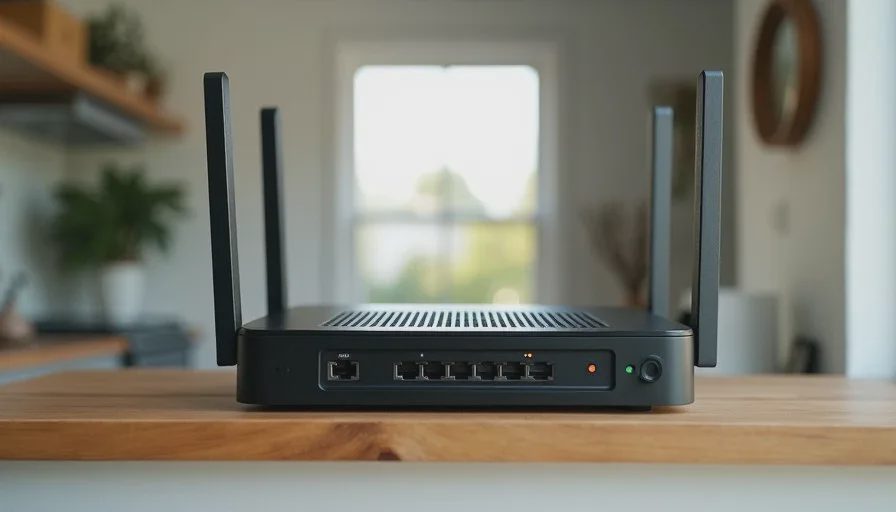
Purchase a stronger standalone router and, if the provider allows, put the gateway into bridge mode. This is often the highest-leverage upgrade for coverage and device handling.
Option 4: Full replacement with modem plus router
Where the provider permits, using a compatible third-party modem and a quality router removes the ISP hardware from the performance equation entirely. Confirm compatibility lists before purchasing.
Each step should be driven by the actual dead zones and usage patterns in the house, not by marketing claims.
What We Did in Our House
Our fiber connection originally came with a combined gateway. It worked acceptably in the room where it sat and poorly everywhere else. After mapping the weak spots, we moved the gateway into bridge mode and installed a stronger primary router in a central closet. One wired access point later handled the remaining upstairs corner.
The change eliminated most of the daily friction. Video calls became stable, the patio became usable, and the need to reboot disappeared. The internet plan itself stayed the same; only the equipment translating it into a household network improved.
That sequence—measure, improve placement or add targeted coverage, then replace the routing function if needed—has worked for most of the families I help.
How to Decide Without Overspending
A short decision path keeps the process rational:
Map the current dead zones and note when slowdowns occur.
Test a better location for the existing gateway if the cable allows.
If coverage is still insufficient, add one access point or node aimed at the weakest area.
If device handling and features remain limiting, move to a better router (with bridge mode if possible).
Only then consider a larger mesh system if the house layout truly requires multiple coordinated units.
This order solves the most common problems with the least new hardware and the least ongoing management.
The Quiet Cost of Keeping the Stock Gateway
Living with an undersized provider router rarely causes dramatic failure. Instead it produces a low-level tax: rooms that are avoided for video calls, outdoor spaces that stay offline, occasional reboots, and the vague sense that the network is “just okay.” Over months and years that tax adds up in inconvenience and in the eventual decision to overspend on a complete replacement when earlier, smaller changes would have been enough.
The ISP router is not inherently bad. It is simply built for a different set of priorities than those of a busy family in a multi-room home. Recognizing when it has become the limiting factor lets you make a measured improvement instead of living with unnecessary friction or buying more equipment than the house actually needs.
Stability First.